
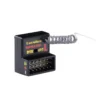
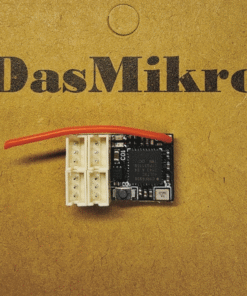
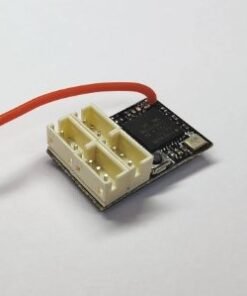
DasMikro Direct Sales – Sanwa FH5 NANO Receivers for RC Car DSK-703B(Antenna Free)
Description:
These receivers are compatible to Sanwa RC car transmitters.
********************************************************************
FH4 protocol receivers compatible transmitter list:
Sanwa M17
Sanwa MT-5
Sanwa MT-R
********************************************************************
DSK-703B (Antenna Free)
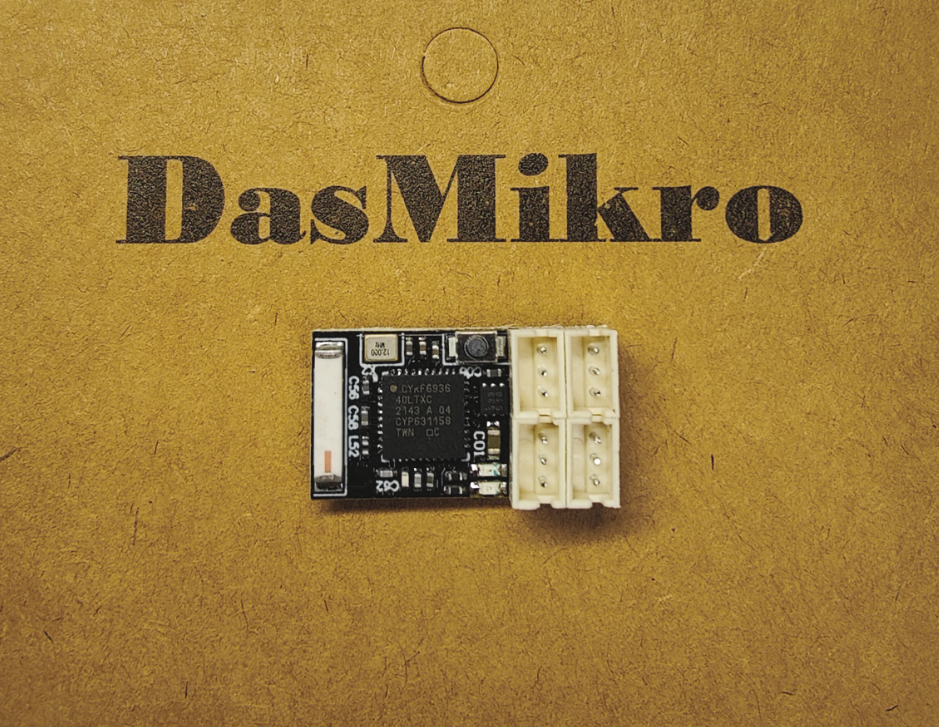
FH5 Bind:
1.Turn on transmitter, enter [BIND] to be bind mode.
2.Press the BIND button then turn on receiver.
3.LED will change from slow flashing blue to fast flashing blue.
4.Turn off receiver, then turn on.
5.Finish BIND mode on transmitter.
GYRO sensitivity Adjustment:
The gyro sensitivity is controlled by CH3 value which could be adjusted on the transmitter. When the CH3 value is 50%, the sensitivity is zero. Turn CH3 value to 0% or 100% both can reach 100% sensitivity. Turn CH3 value to 0% or turn CH3 value to 100% will have different sensitivity curve. The GYRO provides 2 different optimized sensitivity curves for drifting.
Gyroscope EPA Adjustment:
First adjust (left and right steering) on the transmitter, the EPA value you need.
EPA (Travel) Setting (Gyro forward setting):
Press the “SETUP” button, turn on the GYRO. When the LED starts blinking fast, wait for the LED to blink slowly and the gyroscope is now in EPA (travel) setup mode, release the “SETUP” button. First turn the remote control to the left “EPA” position (the left end of the chassis) and stop there for a few seconds, when the left “EPA” position is saved in the gyroscope, the servo will automatically return to the middle position. Then turn the remote to the correct “EPA” position (right end position of the chassis) and stop there for a few seconds, when the correct “EPA” position is saved in the GYRO and EPA (drive) settings, the SERVO will automatically return to The middle position has been completed.
EPA (Travel) Setting (Gyro Reverse Setting):
Press the “SETUP” button, turn on the GYRO. When the LED starts blinking fast, wait for the LED to blink slowly and the gyroscope is now in EPA (travel) setup mode, release the “SETUP” button. First turn the remote control to the right “EPA” position (the right end of the chassis) and stop there for a few seconds, when the left “EPA” position is saved in the gyroscope, the servo will automatically return to the middle position. Then turn the remote to the “EPA” position on the left (left end position of the chassis) and stop there for a few seconds, when the correct “EPA” position is saved in the GYRO and EPA (drive) settings, the SERVO will automatically return to the middle position has been completed.
After the above settings are completed, please re-adjust the EPA value on the transmitter, and adjust the value according to the steering of your car chassis to the value you need.
| Weight | 22 g |
|---|---|
| Dimensions | 16 × 14 × 1 cm |
Only logged in customers who have purchased this product may leave a review.
Related products




KO PROPO FHSS


BRUSHLESS ESC


FUTABA T-FHSS

Reviews
There are no reviews yet.